
Use Anthropic (Claude) with DeployHermes
Claude connects with an Anthropic API key. There is no sign‑in with Claude, because Anthropic does not permit it in third‑party products.
Checked on Nov 11, 2026 · Sources
- Connect with
- API key
- Models
- Claude models
- What you need
- An Anthropic Console account with API credit
- Who bills you
- Anthropic
What you bring
API key only: An Anthropic API key. Billed by Anthropic to your Console account. A Claude Pro or Max plan is separate and does not cover API use.
Set it up
- Create an API key in your Anthropic (Claude) account at https:/
/ console.anthropic.com/ settings/ keys. - Open AI providers in your workspace.
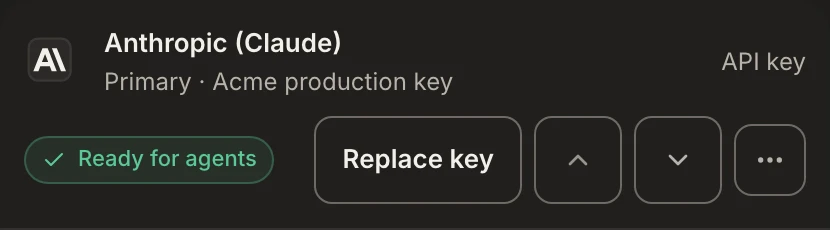
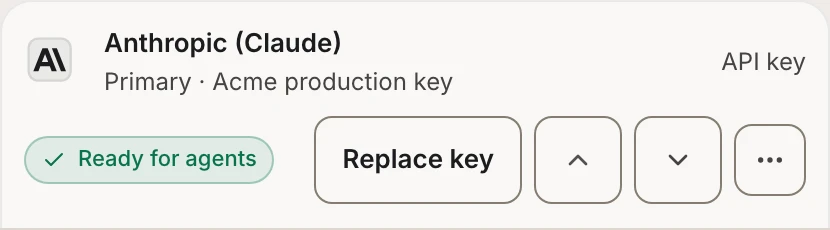
- Under Add a provider, find Anthropic (Claude), choose Add key and paste the key (it starts with sk-ant-).
- We check the key with the provider before saving, so a typo is caught on the spot.
- Choose each agent's model in Squad. Each connection stays independent, so adding one provider never replaces another.
Questions
01Can I sign in with my Claude Pro or Max plan?
No. Anthropic does not let third-party products use Free, Pro, Max or Ultra plan credentials.
02Does a Claude plan cover API use?
No. A Claude Pro or Max plan is separate from the API. Anthropic bills API use to your Console account.
Source: Anthropic API: getting started
03Where do I get the key?
In your Anthropic Console account, under API keys. It starts with sk-ant-.
Source: Anthropic API: getting started
Sources
Read on Nov 11, 2026. Providers change their terms and screens, so check them before you decide.
Connect it to a workspace.
One click to add one. The task is up to you.
Already have a workspace? Sign in.