
Use OpenAI (ChatGPT) with DeployHermes
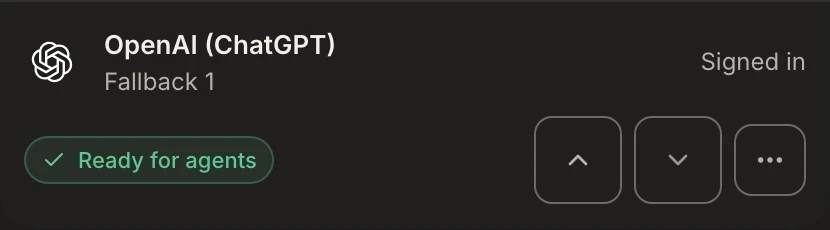
Sign in with the ChatGPT account you already pay for, and your agents run on that plan. There is no API key to create or paste.
Checked on Nov 11, 2026 · Sources
- Connect with
- Sign in
- Models
- GPT models
- What you need
- Your ChatGPT plan
- Who bills you
- OpenAI, on your ChatGPT plan
What you bring
Sign-in: A ChatGPT account. DeployHermes does not resell or mark up the usage.
Set it up
- Open AI providers in your workspace.
- Under Add a provider, find OpenAI (ChatGPT) and choose Sign in.
- Open the link we show you in a new tab, sign in, and enter the code when asked.
- Keep the page open. It updates itself the moment you approve.
- Choose each agent's model in Squad. Each connection stays independent, so adding one provider never replaces another.
Note: Your workspace server sleeps when idle. Initial server setup takes about 1 min; sign‑in is available once it is ready. If the code expires before you approve, start again for a new one.
Note: OpenAI bills and limits usage on your ChatGPT plan, not DeployHermes. Heavy use can hit your plan's limits.
Questions
01Do I need an API key for ChatGPT?
No. The plan sign-in in step 2 is all you need.
Source: ChatGPT plans and pricing
02Is a ChatGPT plan the same as OpenAI API billing?
No. The OpenAI API platform is billed separately from a ChatGPT plan. This guide uses the plan sign-in, so nothing is billed to an API account.
Source: OpenAI API documentation
03What if I hit my plan limits?
OpenAI limits usage on your ChatGPT plan, not DeployHermes, so heavy use can reach those limits. Check your plan before you add a large squad.
Source: ChatGPT plans and pricing
Sources
Read on Nov 11, 2026. Providers change their terms and screens, so check them before you decide.
Connect it to a workspace.
One click to add one. The task is up to you.
Already have a workspace? Sign in.